
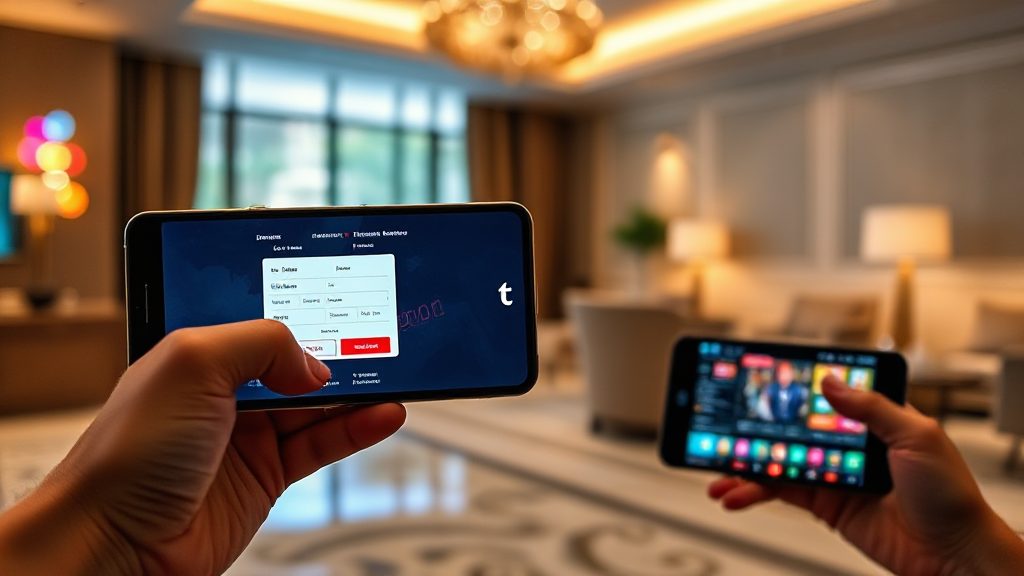
Stuck Before You Start on tk999? Here Is the Beginner’s Fix
You have heard about tk999 from friends, opened the site, and then stopped: which button first, what details are safe to enter, and why does nothing happen after you tap register? This trainer-style guide lists the exact problems beginners hit on a betting platform and the fix for each, from the very first action to a working account.
Problem 1: You Cannot Find the Real Entry Point
Most beginners land on a search result, a forwarded link, or a screenshot from a group chat. The fix is to start from the platform’s own address and ignore anything that asks you to install a file from a stranger.
Bookmark the official page once you confirm it. From then on, you never need to search again.
Problem 2: Registration Fails or Stalls
Fix: Use one clean set of details
Registration on a betting platform usually asks for a phone number or email, a password, and sometimes a currency preference. The common failure is mixing details from two attempts, so the system sees a duplicate.
Use the same phone number and name every time, and write the password down before you submit. If the page refreshes, wait a minute before retrying rather than tapping the button repeatedly.
Fix: Check the form before blaming the site
- Country code must match your actual number.
- Password must meet the length the form shows.
- Any code or verification field must be filled exactly.
If a verification message does not arrive, check spam or blocked messages, then request it once more. Repeated requests can delay delivery.
Problem 3: The App Will Not Install
Fix: Match the download to your phone
The tk999 platform offers a downloadable app, and the first mistake is grabbing a file built for a different operating system. Android users need the Android package; iPhone users should follow whatever install route the official page describes.
On Android, the phone will warn you about installing from outside the store. That warning is normal for a direct download, but only accept it if the file came from the official source. Delete any installer sent through chat.
Fix: Clear old versions first
If an older copy is already on the phone, uninstall it before installing the new one. Leftover data from a previous version is a frequent cause of a blank screen or a login loop.
Problem 4: You Are Logged In but Nothing Works
A working account is not the same as a usable one. Beginners often skip the step that connects a payment method, then wonder why every button is greyed out.
Finish the account setup before you explore any game or market. That means confirming your profile details and adding a payment method the platform supports for Bangladeshi users.
Fix: Work through this order
- Log in and open the account or profile area.
- Confirm your name and contact details are correct.
- Add a supported payment method.
- Make a small first deposit to test the flow.
- Return to the main page and refresh.
Testing with a small amount first tells you whether deposits and withdrawals behave as expected before you commit more.
Problem 5: Confusion Between Sports and Casino Sections
The platform covers both sports betting and casino-style games, and new users often wander between the two without a plan. That is how budgets disappear in an evening.
| Section | What you do there | Beginner tip |
|---|---|---|
| Sports | Pick a match and a market | Learn one sport first |
| Casino | Play games with fixed rules | Set a session limit |
Choose one section for your first week. Spreading attention across every game type is the fastest way to lose track of spending.
Problem 6: Payments and Withdrawals Feel Unclear
Deposits usually appear quickly, but withdrawals can take longer because the platform checks the account first. The fix is preparation: complete any verification request early, and use a payment method in your own name.
Mismatched names between your account and your payment method is the single most common reason a withdrawal is held. Keep screenshots of transaction references until the money arrives.
Fix: Keep a simple record
- Date and amount of each deposit.
- Reference number from the confirmation screen.
- Date you requested a withdrawal.
This record answers most support questions without a long back-and-forth.
Problem 7: You Are Not Sure What Safe Use Looks Like
Betting involves real money and real risk, so the last fix is behavioural, not technical. Decide your limit before you log in, not after a loss.
Treat any money you add as spent, not invested. Never borrow to deposit, never chase a loss with a bigger stake, and step away when you notice you are playing to recover rather than to enjoy. If betting stops feeling like a choice, stop and seek support.
Once registration, the app, payments and limits are handled in that order, the platform behaves like any other tool: predictable, and only as useful as the habits behind it.
Frequently Asked Questions
How long does tk999 registration take?
Usually a few minutes if your phone number and password are entered correctly the first time. Delays come from duplicate attempts or a verification code that never arrived.
Do I need the app, or can I use the website?
The website works in a mobile browser, so the app is optional. Install it only from the official source, and remove older versions before updating.
Why is my withdrawal taking longer than my deposit?
Withdrawals involve an account check that deposits do not. Complete verification early and make sure the payment method name matches your account name.
What should a complete beginner do first?
Register with consistent details, finish the profile and payment setup, test with a small deposit, then pick one section of the platform to learn before exploring the rest.

Leave a Reply